
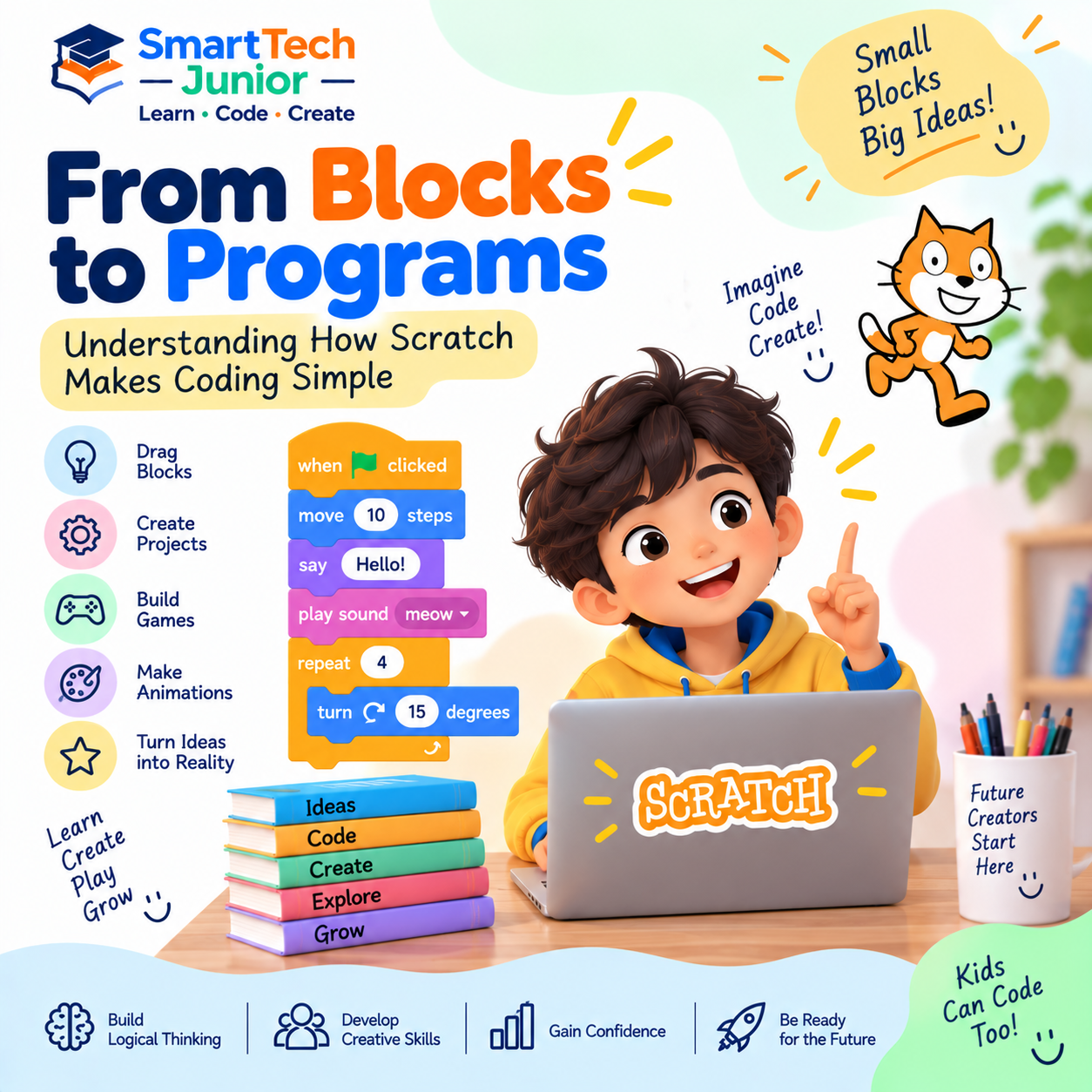
From Blocks to Programs: Understanding How Scratch Makes Coding Simple
Learning to program for the first time can seem challenging when children are introduced to lines of code, unfamiliar syntax, and programming rules.
Scratch offers a different starting point.
Instead of typing every instruction, children can connect visual programming blocks to create games, animations, stories, and interactive projects.
This makes it easier for young learners to focus on how programming works while gradually developing computational thinking.
What Is Scratch?
Scratch is a visual programming environment designed to help beginners learn programming concepts through interactive projects.
Students can use blocks to create instructions for characters, known as sprites, and control what happens on the screen.
They can make a character:
- Move
- Speak
- Change appearance
- Play sounds
- Respond to clicks
- Interact with other characters
The result is a programming experience that feels creative and interactive.
Why Use Blocks Instead of Typing Code?
Traditional programming requires students to remember syntax and type instructions correctly.
A small typing mistake can prevent a program from working.
Scratch uses visual blocks that fit together like puzzle pieces.
Students can focus on questions such as:
What should happen?
When should it happen?
How many times should it happen?
What should the program do when something changes?
This helps beginners understand programming logic without being overwhelmed by syntax.
Scratch Still Teaches Real Programming Concepts
Although Scratch uses visual blocks, the concepts behind those blocks are fundamental programming ideas.
Students can learn:
- Variables
- Loops
- Conditions
- Events
- Operators
- Messages
- Functions and custom blocks
- Variables and data
- Program flow
These concepts can later help students transition into text-based programming languages.
Events: Making Things Happen
Events tell a program when something should begin.
For example:
When the green flag is clicked → Start the program
Or:
When a key is pressed → Move the character
This introduces children to the idea that programs can respond to specific events.
Loops: Repeating Instructions
Imagine telling a character to move forward 100 times.
Writing the same instruction repeatedly would not be practical.
A loop allows students to repeat instructions efficiently.
For example:
Repeat → Move → Move → Move → Continue
This introduces an important programming concept that appears in many programming languages.
Conditions: Teaching Programs to Make Decisions
Programs often need to respond differently depending on what happens.
For example:
If touching an obstacle → Stop
If score reaches 10 → Go to next level
Scratch allows students to create these decision-making rules using visual blocks.
This helps them understand how programs can make decisions based on conditions.
Variables: Storing Information
Variables allow programs to remember information.
Students can use variables for:
- Scores
- Lives
- Timers
- Points
- Levels
For example:
Score = 0
When a player collects an item:
Score = Score + 1
This gives students an introduction to how programs store and change information.
Scratch Turns Learning into Projects
One of Scratch's biggest strengths is that students can immediately apply what they learn.
Instead of completing isolated programming exercises, they can use concepts to build something.
Projects might include:
- Interactive stories
- Quiz games
- Maze games
- Platform games
- Animations
- Simple simulations
- Educational projects
Each project gives students a reason to use programming concepts.
Creativity and Programming Work Together
Scratch isn't only about writing instructions.
Students can create characters, backgrounds, sounds, stories, and game environments.
They decide what they want to build and how users should interact with it.
This combination of creativity and logic makes Scratch particularly engaging for young learners.
Debugging Through Experimentation
Not every Scratch project works perfectly on the first attempt.
A character might move in the wrong direction. A score may not update correctly. A game might continue when it should stop.
Students can investigate the problem, change their blocks, and test again.
This introduces the concept of debugging in a simple and visual way.
From Scratch to Text-Based Programming
Scratch can also serve as a foundation for future programming.
Once students understand concepts such as:
Variables → Conditions → Loops → Events → Logic
they have already developed an understanding of ideas that appear in text-based programming.
They can later explore languages such as Python and other programming technologies.
What Can Kids Create with Scratch?
The possibilities are not limited to games.
Students can create:
???? Games
Build interactive challenges with characters, scores, levels, and rules.
???? Stories
Create animated stories where characters interact with each other.
???? Animations
Bring drawings and characters to life using movement and effects.
???? Educational Projects
Create quizzes, learning activities, and interactive demonstrations.
The project can be as simple or creative as the student's imagination.
Learning Scratch at SmartTech Junior
At SmartTech Junior, Scratch can provide young learners with a friendly introduction to programming.
Through creative, project-based activities, students can learn programming concepts while creating games, animations, stories, and interactive experiences.
The focus is not simply on completing a project but on helping students understand the logic behind what they create.
Conclusion
Scratch makes programming approachable by replacing complicated syntax with visual blocks.
But behind those colourful blocks are real programming concepts—events, loops, conditions, variables, logic, and debugging.
For children taking their first steps into programming, Scratch provides a creative environment where they can experiment, build, make mistakes, and try again.
The goal is simple: start with blocks, understand the logic, and gradually grow into a confident programmer.