
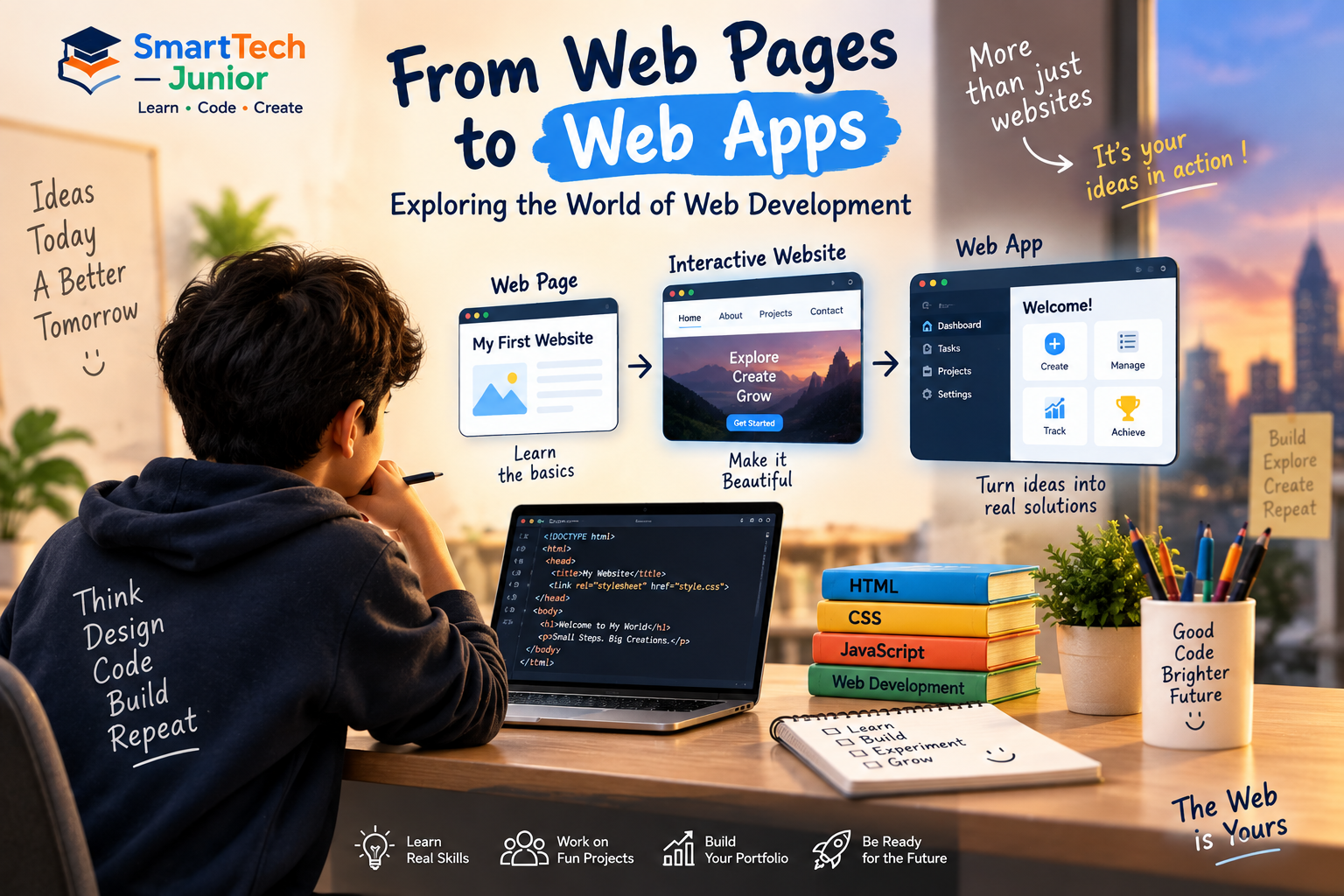
From Web Pages to Web Apps: Exploring the World of Web Development
The websites we use every day may look simple on the screen, but there is a lot happening behind them. From online learning platforms and shopping websites to social media and interactive applications, web development is responsible for creating many of the digital experiences we use.
For young learners, web development offers an exciting opportunity to understand how websites work and eventually build their own.
What Is Web Development?
Web development is the process of building and maintaining websites and web applications.
It involves different technologies that work together to create everything from a simple webpage to an interactive online application.
For beginners, three important technologies provide a strong starting point:
- HTML – Structures the content of a webpage.
- CSS – Controls the appearance and layout.
- JavaScript – Adds interaction and dynamic behavior.
Together, they form the foundation of modern frontend web development.
Starting with Web Pages
The first step in web development is understanding how a webpage is structured.
HTML allows learners to add elements such as:
- Headings
- Paragraphs
- Images
- Links
- Buttons
- Forms
- Lists
A simple HTML page can quickly become something a student can see and interact with in a browser.
Making Websites Look Better with CSS
A webpage doesn't have to remain plain.
CSS allows students to experiment with the visual side of web development.
They can work with:
- Colors
- Fonts
- Spacing
- Layouts
- Buttons
- Cards
- Responsive designs
- Animations
This makes web development a combination of programming and creativity.
Adding Interactivity with JavaScript
JavaScript takes websites beyond static content.
It allows developers to create interactive features such as:
- Button actions
- Form validation
- Menus
- Calculators
- Quizzes
- Image sliders
- Interactive games
For young learners, seeing a webpage respond to their code can make programming much more engaging.
From Web Pages to Web Applications
A basic webpage mainly presents information.
A web application can allow users to interact with information and perform tasks.
Examples include:
- Online learning platforms
- Shopping applications
- Booking systems
- Dashboards
- Productivity tools
- Interactive games
This progression helps students understand how simple coding concepts can eventually be combined to build more advanced digital experiences.
Learning Through Projects
Projects can make web development easier and more interesting to understand.
A beginner might start with a personal webpage and gradually progress toward projects such as:
Personal Website → Portfolio → Interactive Website → Web Application
Each project introduces new concepts while allowing students to apply what they have already learned.
Developing More Than Coding Skills
Web development can also encourage students to develop important skills beyond programming.
While creating a website, they may need to think about:
- How should the page be organized?
- How can users navigate it?
- What happens when someone clicks a button?
- How can the design be improved?
- Why isn't a particular feature working?
These questions encourage logical thinking, creativity, attention to detail, and problem-solving.
Responsive Web Development
People access websites using different devices, including computers, tablets, and smartphones.
Responsive web development focuses on making websites work well across different screen sizes.
Learning responsive design introduces students to the idea that a good website should provide a consistent experience for different users and devices.
What Can Young Learners Build?
Once students understand the basics, they can begin creating projects based on their interests.
For example:
- Personal portfolio
- School website
- Quiz application
- Calculator
- To-do list
- Simple game
- Product page
- Interactive landing page
These projects can help students move from simply learning concepts to actually building with code.
Web Development as a Foundation
Learning web development can also introduce students to broader areas of software development.
As their knowledge grows, they can explore topics such as:
- Frontend development
- Backend development
- Databases
- APIs
- Web applications
- Software development
This creates a pathway for learners who want to continue developing their technology skills.
Learning Web Development at SmartTech Junior
At SmartTech Junior, web development can be introduced through practical learning and project-based activities.
Students can explore HTML, CSS, and JavaScript while learning how different technologies work together to create websites and interactive experiences.
The focus is on helping young learners understand concepts, experiment with ideas, and gradually build their own projects.
Conclusion
Web development provides young learners with a practical way to explore technology.
Starting with simple web pages, students can gradually learn how HTML structures content, CSS creates the design, and JavaScript adds interaction.
With practice and project-based learning, those simple pages can become increasingly interactive and eventually lead to web applications.
For a young learner interested in technology, web development can be an exciting first step from using the web to creating for the web.