
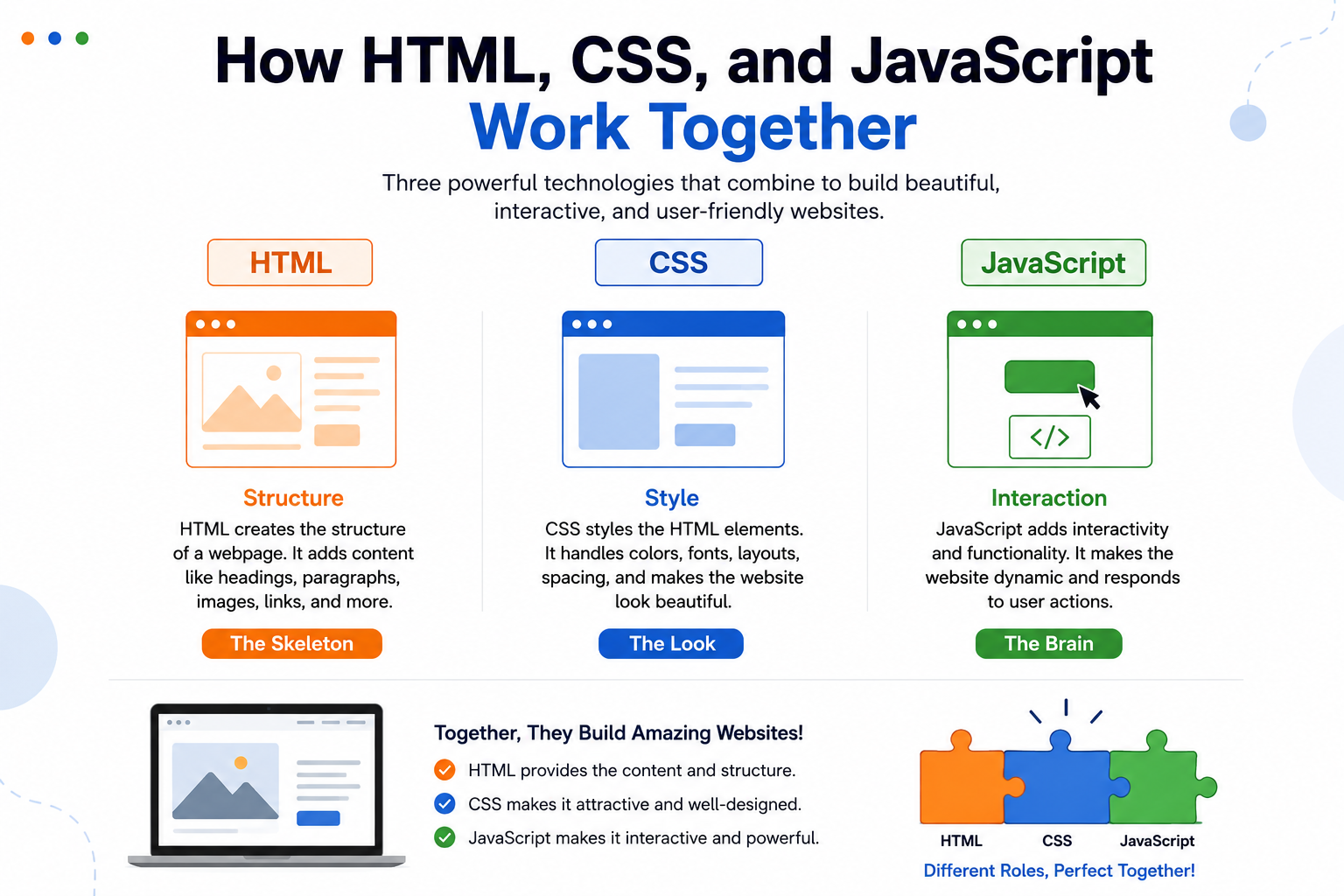
How HTML, CSS, and JavaScript Work Together
Every website you visit—whether it's a shopping site, an online classroom, or a social media platform—is built using three essential technologies: HTML, CSS, and JavaScript. These technologies work together to create websites that are visually appealing, interactive, and easy to use.
If you're new to web development, understanding how HTML, CSS, and JavaScript work together is the first step toward becoming a web developer.
What is HTML?
HTML (HyperText Markup Language) is the foundation of every website. It creates the structure and organizes the content on a webpage.
HTML is used to add:
- Headings
- Paragraphs
- Images
- Videos
- Buttons
- Links
- Tables
- Forms
Think of HTML as the skeleton of a website.
Without HTML, a webpage would have no content or structure.
What is CSS?
CSS (Cascading Style Sheets) is responsible for the appearance of a website.
It controls:
- Colors
- Fonts
- Layout
- Backgrounds
- Spacing
- Animations
- Responsive Design
Think of CSS as the clothing and decoration of a website.
Without CSS, websites would look plain and unstyled.
What is JavaScript?
JavaScript makes websites interactive and dynamic.
It allows websites to:
- Respond to button clicks
- Validate forms
- Display pop-up messages
- Create image sliders
- Build games
- Update content without refreshing the page
- Add animations
Think of JavaScript as the brain of a website.
It brings web pages to life.
How Do They Work Together?
Each technology has a specific role:
HTML → Structure
HTML creates the content and layout.
Example:
- Heading
- Image
- Paragraph
- Button
CSS → Style
CSS changes how the HTML content looks by adding colors, fonts, spacing, and layouts.
Example:
- Blue buttons
- Large headings
- Beautiful backgrounds
- Mobile-friendly layouts
JavaScript → Interaction
JavaScript adds functionality.
Example:
- When a user clicks a button, JavaScript performs an action.
- Forms check whether information is entered correctly.
- Menus open and close smoothly.
- Interactive quizzes calculate scores instantly.
A Simple Real-Life Example
Imagine building a house:
HTML is the bricks, walls, doors, and windows that form the structure.
CSS is the paint, furniture, curtains, lighting, and decorations that make the house attractive.
JavaScript is the electricity, automatic doors, security system, and smart devices that make the house interactive.
Together, they create a complete and functional home.
The same idea applies to websites.
Why Beginners Should Learn All Three
Learning HTML, CSS, and JavaScript together helps beginners understand the complete process of creating websites.
Benefits include:
- Learn website design from scratch.
- Build responsive web pages.
- Create interactive user experiences.
- Develop problem-solving skills.
- Build real-world projects.
- Prepare for advanced web development.
These skills form the foundation of modern frontend development.
Beginner Projects to Practice
Once you've learned the basics, try creating:
- Personal Portfolio Website
- School Project Website
- Restaurant Landing Page
- Digital Resume
- Photo Gallery
- To-Do List
- Calculator
- Quiz Application
- Weather App
- Simple Blog Website
Each project helps improve your coding and design skills.
Career Opportunities
Mastering HTML, CSS, and JavaScript opens the door to many exciting careers, including:
- Frontend Developer
- Full Stack Developer
- Web Designer
- UI/UX Developer
- Software Engineer
- Freelance Web Developer
- Web Application Developer
These skills are in demand across industries worldwide.
Tips for Beginners
- Start with HTML before learning CSS.
- Practice CSS by styling simple webpages.
- Learn JavaScript gradually with small projects.
- Build something every week.
- Experiment with your own ideas.
- Keep practicing consistently.
The more projects you create, the faster you'll improve.
Conclusion
HTML, CSS, and JavaScript are the three essential building blocks of web development. HTML provides the structure, CSS makes the website attractive, and JavaScript adds interactivity. Together, they create the modern websites we use every day.
Whether you dream of becoming a web developer, creating your own portfolio, or building innovative web applications, learning these three technologies is the perfect place to begin.